
Our story
Play Sudoku online free: a tour of our Sudoku puzzle player
16 October 2026
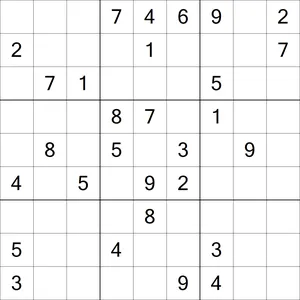
Free, every day
Today's Sudoku: Hard
Hard to Extreme. No signup needed.
Downloading a puzzle is fine. But I'm impatient, and there's nothing more satisfying than finding a new puzzle and being able to solve it on the spot. That's why the site has its own Sudoku player. It's free, it runs in your browser, and there's no account to create.
Getting to a puzzle
A new puzzle goes up every day at today's puzzle. Beside the grid, a details panel tells you the type and difficulty before you start, so you know what you're in for. If you missed a day, all past puzzles are a click away.
The timer starts on your first move, not when the page loads. Press pause and the grid is covered until you tap to carry on. It also pauses itself if you switch tabs or apps, so a phone call won't ruin your time.
Prefer paper? There's a PDF download button on the same page. It gives you a properly formatted grid at a usable size, so you don't have to fiddle with print settings.
A walk round the grid
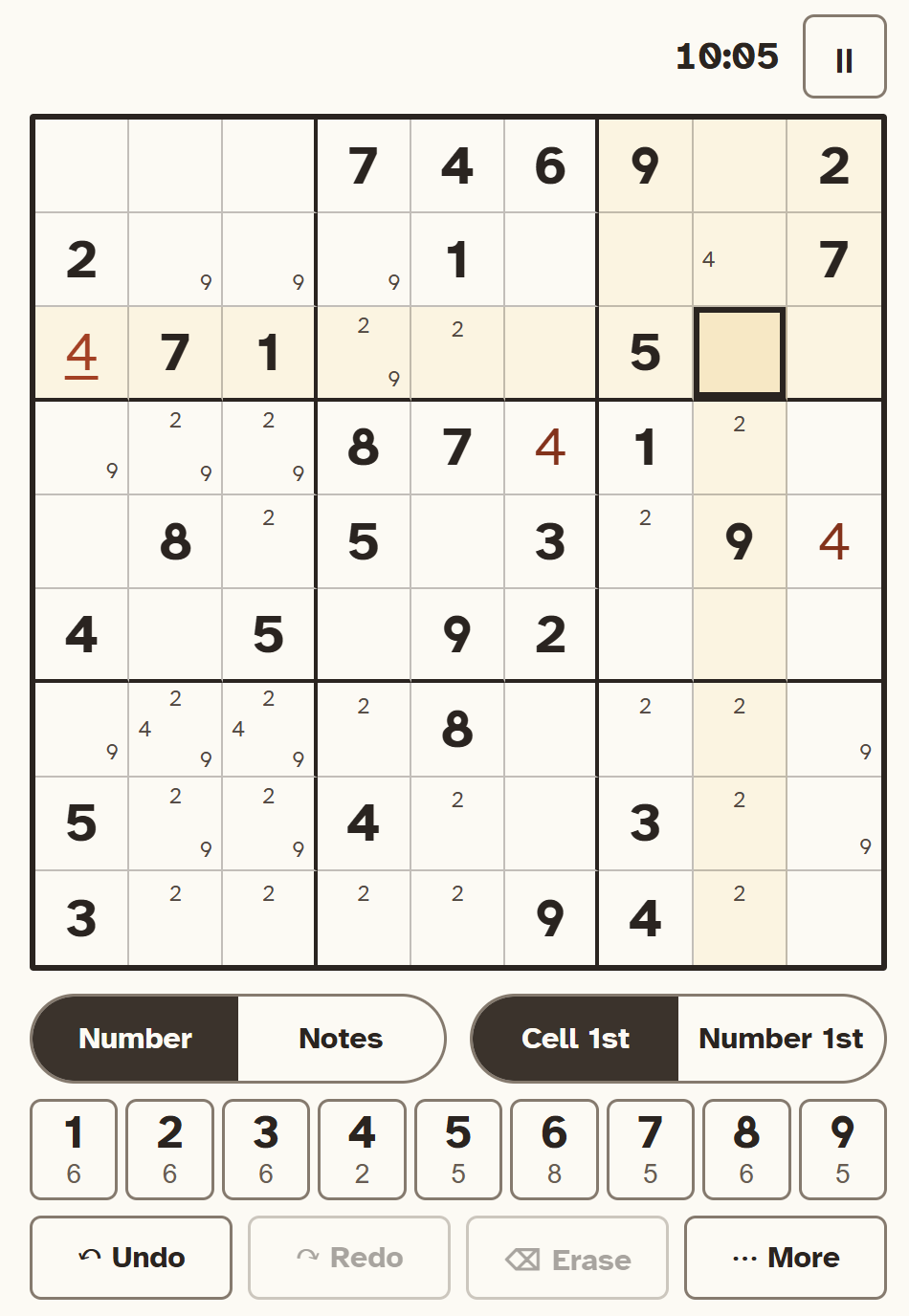
The clues are printed in a heavier style than the numbers you add, and they can't be changed. Tap a cell, then tap a number.
Two switches sit under the grid. The first is Number / Notes. Notes puts small pencil marks in a cell, which is how most of us work through the harder puzzles. The second is Cell 1st / Number 1st. In Cell 1st you tap a cell, then a number. In Number 1st you pick a number once and then tap every cell where it goes, which is quicker when you're placing all the 7s in one go.
The number pad keeps count for you. In the picture, the 6 under the 1 means six 1s are still to go. When all nine are on the grid, that button is marked as done. Undo and redo cover every number and every note, so you can back out of a bad guess.
If you're on a keyboard, 1 to 9 enter numbers, the arrow keys move around the grid, N switches between Number and Notes, and Ctrl+Z (Cmd+Z on a Mac) undoes. The grid is also labelled for screen readers, so each cell is read out with its number or notes.
Help when you want it
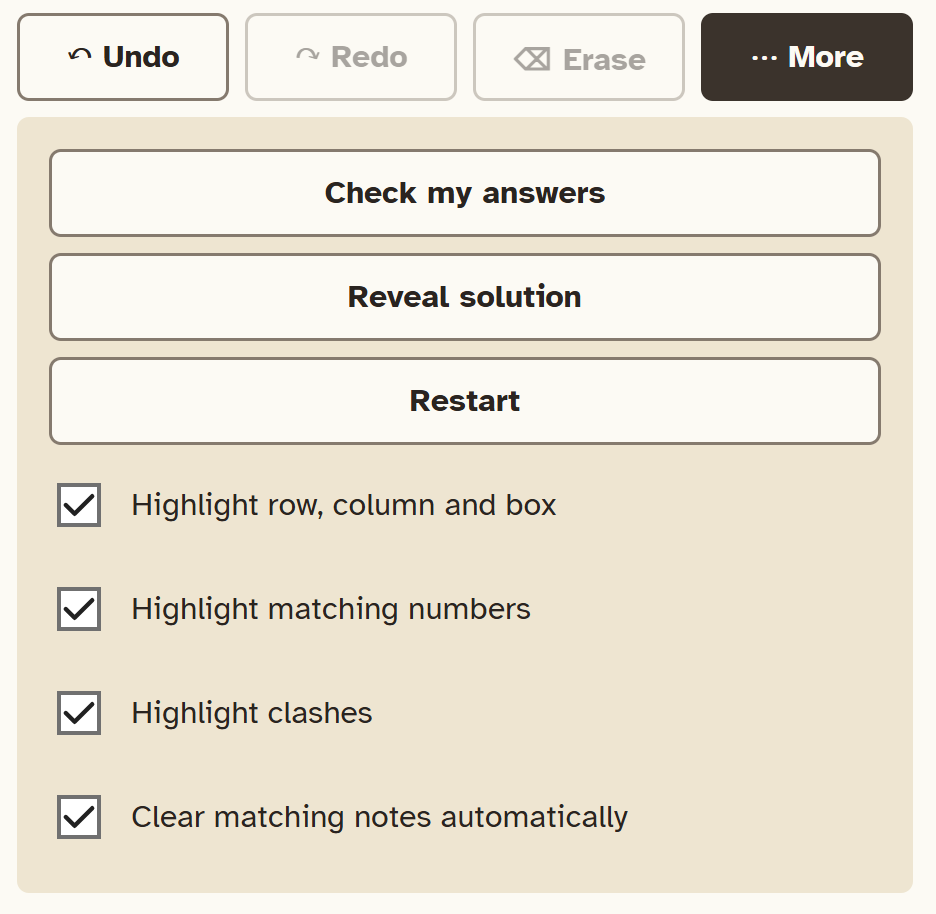
Everything else lives under More. Check my answers marks any wrong numbers and tells you how many there are, or that you have no mistakes so far. Reveal solution and Restart both ask you to confirm first.
Below those are four switches, all on by default:
- Highlight the row, column and box of the selected cell
- Highlight matching numbers
- Highlight clashes, where a number repeats in its row, column or box
- Clear matching notes automatically when you place a number
Switch them off if you want a plainer grid. There are no ads or pop-ups, and no hint button that fills a digit in for you.
Your progress is saved on your own device as you play, for the 14 most recent puzzles, and nothing is sent to our server. A private browser window may not remember anything, but the player still works.
Where the puzzles come from
Each puzzle is created fresh for the day. They don't come from our books. Next to the grid, a panel shows the book that best matches that puzzle's type and difficulty, often one from the 2000 Sudoku series. If you like the way a puzzle plays, that's where to find more of the same.
Stuck on a technique? The Sudoku solving guide covers everything from beginner methods to X-Wing and Swordfish. Or just try today's puzzle.